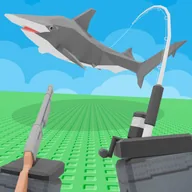
 How to Really Fish Wiki
How to Really Fish Screenshots
Every image the developer published on the game's Roblox page, at full width, with a note on what each one actually shows.
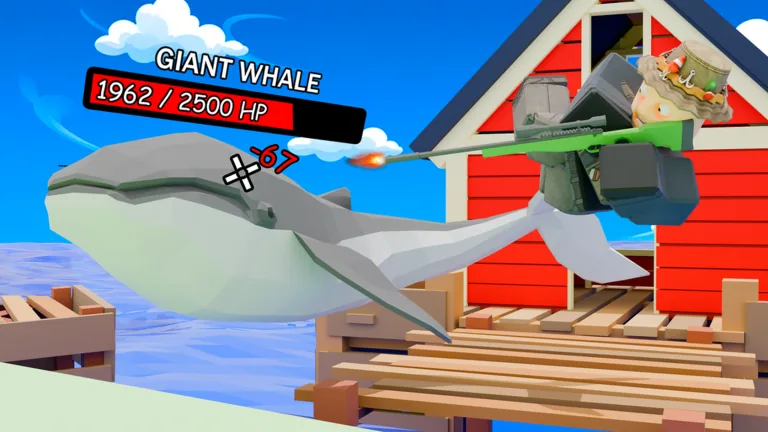
In-game screenshots
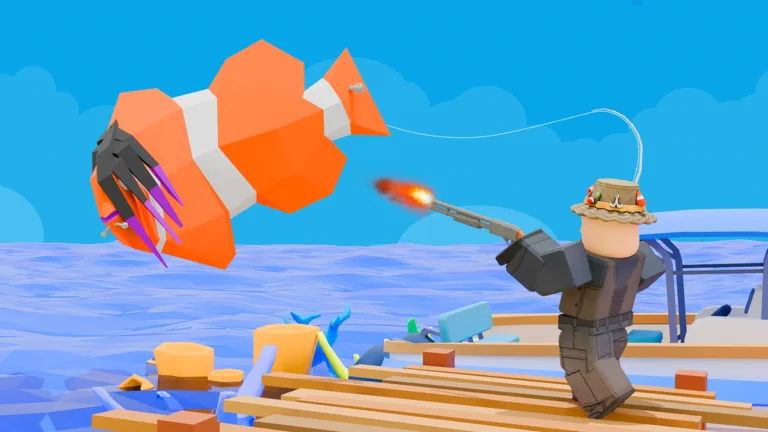
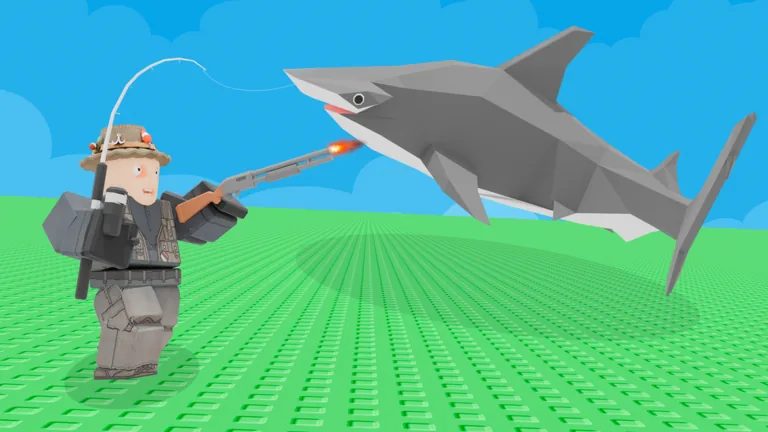
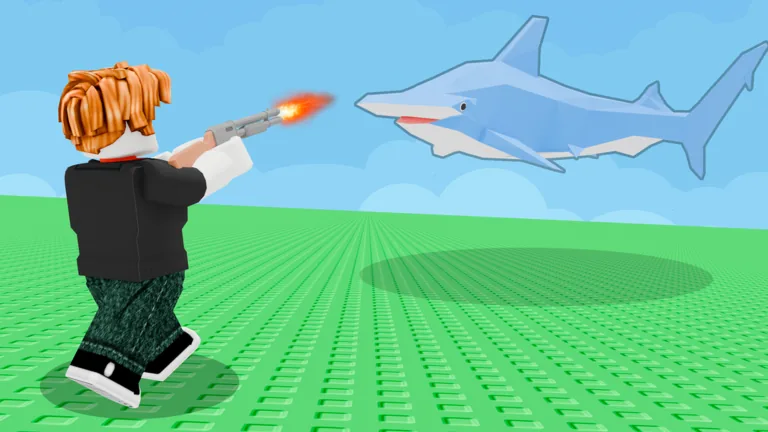
What these tell you before you play
We have captioned each of the 4 images above with what it actually shows, and we have not read mechanics out of them. Store art is built to sell the most dramatic moment in a game rather than to document how it works, so a screenshot can tell you what something looks like and rarely tells you what it costs, unlocks or requires.
What this page does not settle: anything about menus, shops, upgrade screens or leaderboards that the developer has not photographed. Where we have a real figure elsewhere on this site it comes from Roblox's API and is labelled as such, because a number we measured and a number we inferred from a picture do not deserve the same weight.
Why the image count is what it is
Roblox gives a developer a fixed number of image slots on their store page, and most games use them as advertising rather than documentation. That has two consequences for anyone reading a game's pictures to work out what it is like.
The first is that the images are chosen, not sampled. Every frame is the most flattering one available, which means a game with a boring core loop can still look eventful, and a game whose appeal is in slow progression will photograph badly. The second is that the set is small and static: a game that adds content for months often keeps the same handful of promotional images, so a store page can lag the game by a long way. A description is usually updated sooner than the art is.
That is why our guides are built from the developer's description and from Roblox's own records rather than from its screenshots. The badge list in particular is updated by the developer as a side effect of adding content, which makes it a more current record than the pictures on the store page.
How to read a Roblox store image
Three things are worth looking for, in this order:
- Interface elements. If a counter, a currency or a health bar is visible, that tells you what the game measures. If none is visible, the image is marketing rather than a screenshot, which is the most common case.
- How many players are in frame. A co-op game photographs its group; a solo game photographs one character. This is a rough but useful signal about the shape of the game.
- What the environment implies. Open water, a city, a single room — the setting is usually the most reliably reported thing in promotional art, because it is the hardest to exaggerate.
What is not worth reading from these images: prices, drop rates, tier lists, or how strong anything is relative to anything else. None of that photographs.
Artwork and screenshots are the property of Crazy Fishing Friends and are reproduced here at reduced size for identification and commentary.